 Thermal Technologies
Industry
Extrusion
Barrel, adapter and die head heating for pipe, profile, sheet and film lines.
A long barrel, a lot of zones, and a die head that has to hold temperature across its face.
The process, and where the heat goes in
Read left to right. Each block is a place on the machine that has to be held at a temperature, coloured by how hot it runs.
Scroll the diagram sideways to see every zone.
- Coolest
- Warm
- Hot
- Hottest
Zone by zone
This table is the whole argument for the page. It maps the machine you already have to the element type that suits each position on it, and every product name links to the family page with the sizes, the options and the codes.
| Zone | Duty | Typical temperature | Swiftheat product | Why this element |
|---|---|---|---|---|
| Hopper and drying | Air heating | 60 to 120 °C | Tubular Heaters | Finned or tubular elements into moving air |
| Feed zone | Banded, controlled cooling too | 140 to 200 °C | Ceramic and Mica Band and Nozzle Heaters | Even band coverage with room for the cooling fans |
| Barrel zones | Banded surface, continuous | 180 to 300 °C | Ceramic and Mica Band and Nozzle Heaters | Ceramic where the zone runs hot, mica where the clearance is tight |
| Adapter and screen changer | Awkward shapes | 200 to 300 °C | Ceramic and Mica Band and Nozzle Heaters | Partial coverage bands and strip heaters made to the casting |
| Die head | Zoned, must be even across the face | 200 to 320 °C | Coil Heaters | Coil heaters wound to the tool, pitch profiled to even out the face |
| Control loop | Measurement | - | Thermocouples and Temperature Sensors | Immersion length measured to the melt channel, not to the casting |
Temperatures are typical for the process and are given as a starting point. Send us the zone temperatures your machine actually runs at and we will work back to a safe loading.
Products for extrusion
A shortlist, not the whole catalogue.
-
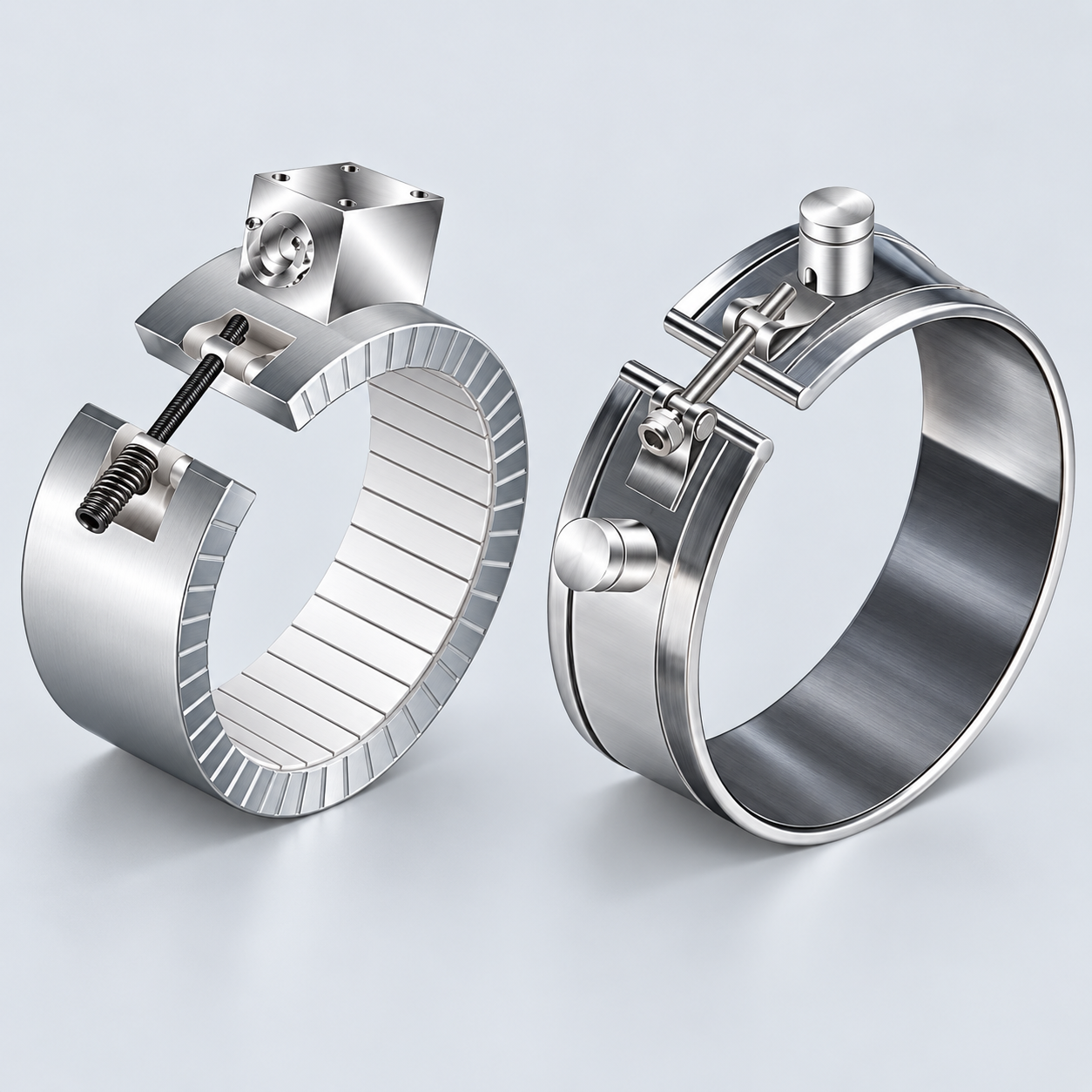 Ceramic and Mica Band and Nozzle Heaters
Barrels, cylinders, pipes and injection nozzles. One piece, split, expandable or partial coverage.
Ceramic and Mica Band and Nozzle Heaters
Barrels, cylinders, pipes and injection nozzles. One piece, split, expandable or partial coverage.
-
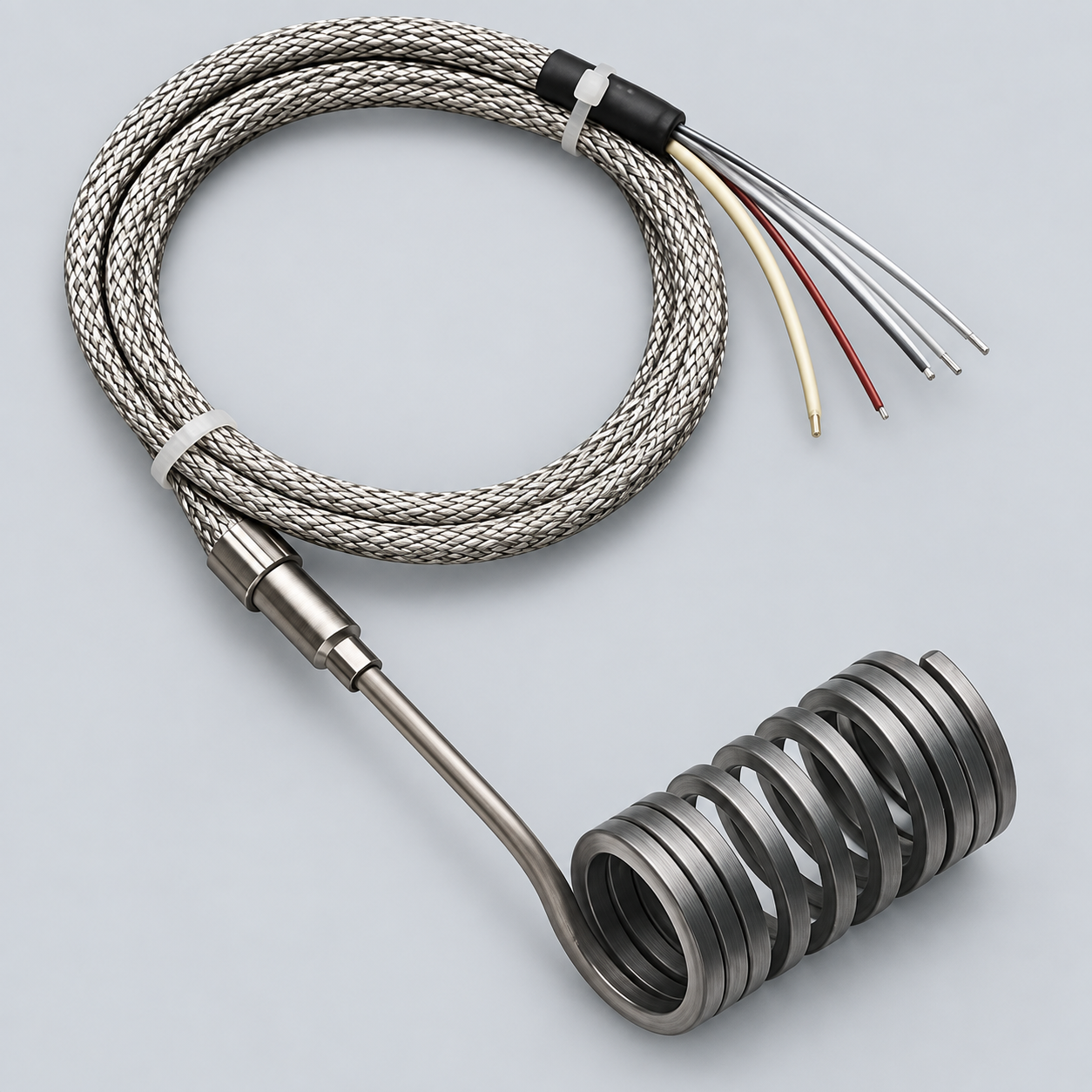 Coil Heaters
Hot runner nozzles and manifolds. Wound to the diameter, profiled along the length.
Coil Heaters
Hot runner nozzles and manifolds. Wound to the diameter, profiled along the length.
-
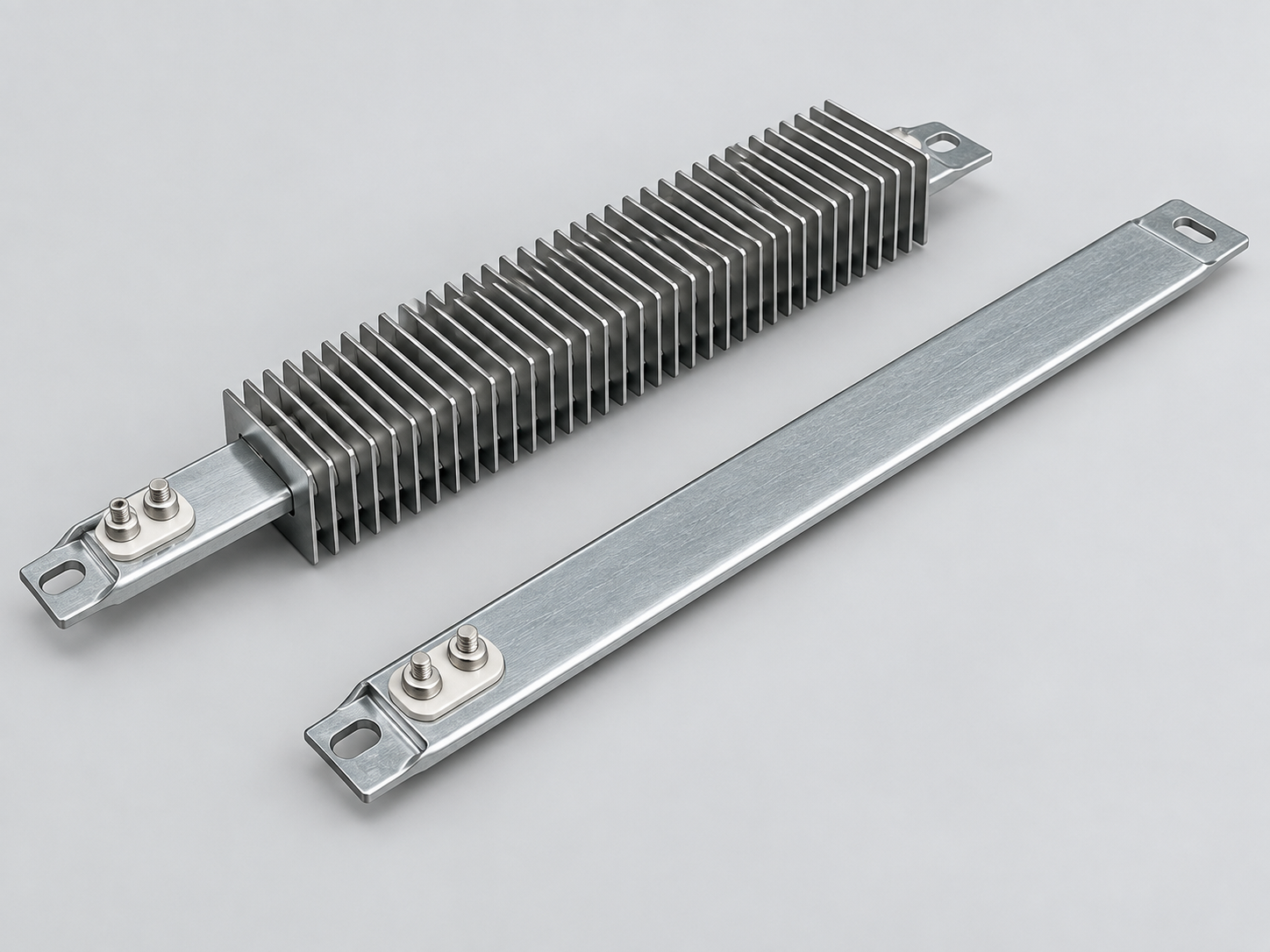 Strip Heaters
Flat and gently curved surfaces, sealing bars, platens and duct air.
Strip Heaters
Flat and gently curved surfaces, sealing bars, platens and duct air.
-
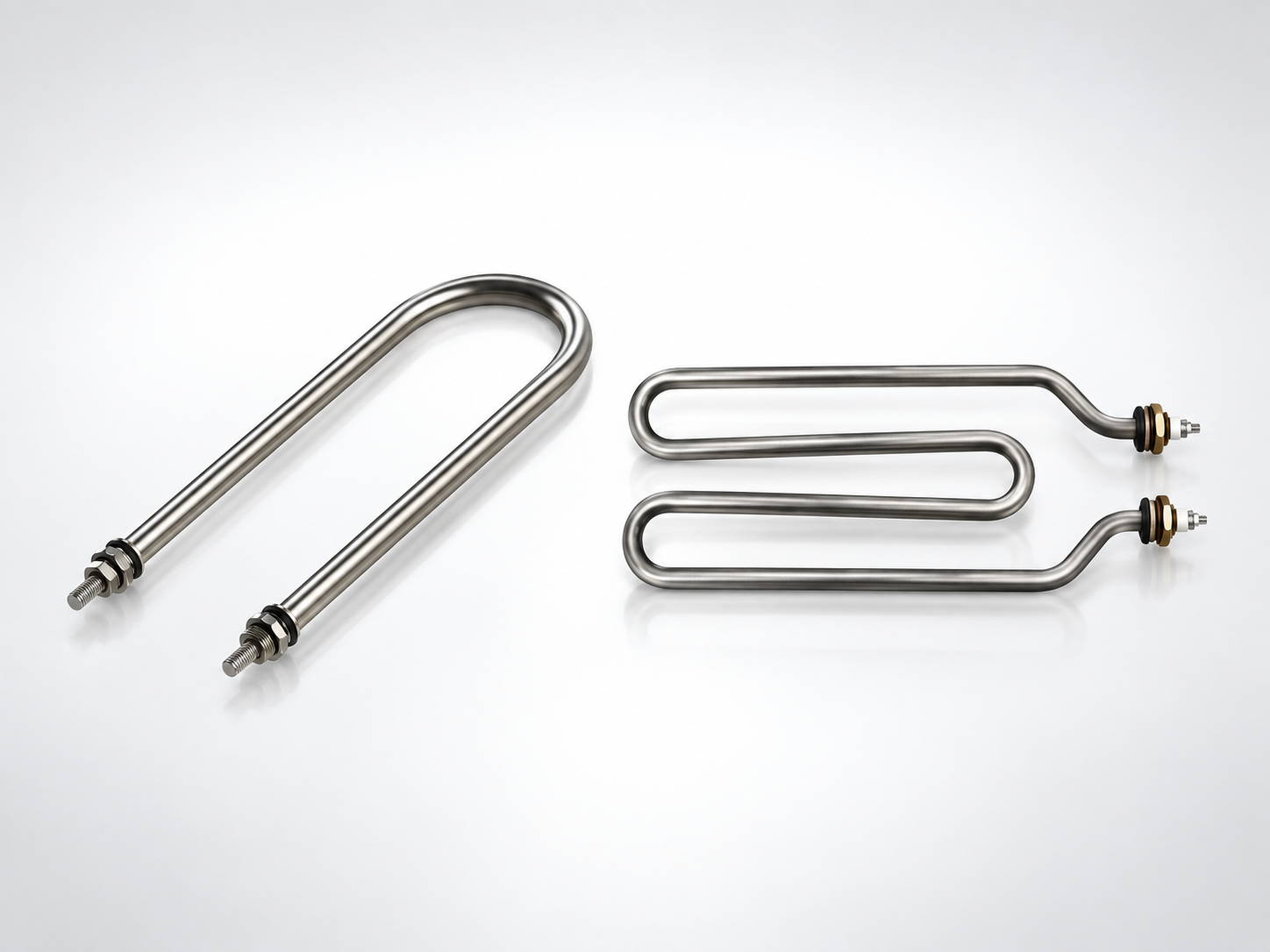 Tubular Heaters
Air, liquids and surfaces. Straight, U form, W form or coiled to your drawing.
Tubular Heaters
Air, liquids and surfaces. Straight, U form, W form or coiled to your drawing.
-
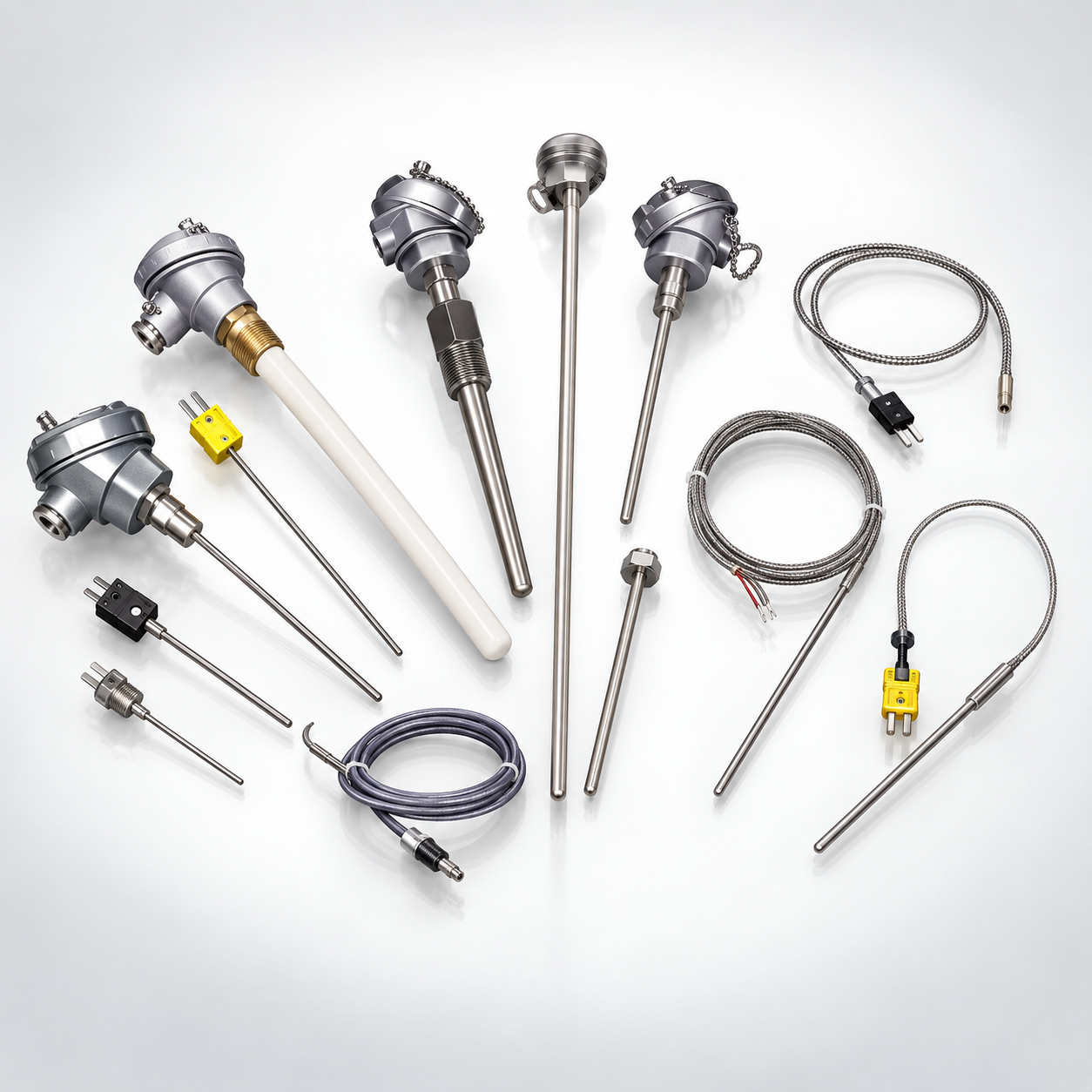 Thermocouples and Temperature Sensors
Types J, K, N, T, E, R, S, B and C, plus PT100, PT500 and PT1000 RTDs, made to length.
Thermocouples and Temperature Sensors
Types J, K, N, T, E, R, S, B and C, plus PT100, PT500 and PT1000 RTDs, made to length.
Application notes
Partial coverage where the casting is not round
Adapters, screen changers and die bodies are rarely a clean cylinder. A partial coverage band made to a stated angle, or a strip heater made to the flat, puts heat where the metal actually is instead of bridging the gaps.
Zone counts and spares
An extrusion line stops for one failed band. Standardising the barrel zones onto as few different sizes as the machine allows means one spare covers several zones. Send us the zone list and we will tell you where the sizes can be consolidated.
Cooling fans and band construction
On a feed zone that is cooled as well as heated, the band has to leave the fan path clear. Say where the fans sit and we will position the terminals and the coverage around them.
What to send us
An enquiry with these in it can be quoted the same day. An enquiry without them takes three phone calls first.
- Line type: pipe, profile, sheet, film or compounding
- Barrel diameter and the number of zones
- Measured inside diameter and width for each band position
- Cutouts needed for fans, sensors or bolts, with positions
- Die head drawing, or the diameter and length of each coil position
- Zone temperatures and the material being run
A photograph of the old element next to a tape measure is worth more than a paragraph of description, and a drawing is worth more than both.
Build the list instead
If you are replacing several elements at once, the list builder walks through each one, draws it as you specify it, and produces a single printable document you can send by email or on WhatsApp.
Request a quote for extrusion
Tell us the machine and the zone. If you are not sure which element type suits it, leave the product blank and our engineers will propose one.